

Sponsor Bug 560×150
Corner badge that flips between “Fueled by DUBBY” and your code.
Everything a DUBBY partner needs, with your name on it: animated OBS overlays, Twitch panels, posts, stories, thumbnails and a profile ring. Type your code once, pick your flavour, add your photo — download it all.
Free · works with OBS, Streamlabs & Twitch Studio · nothing to install
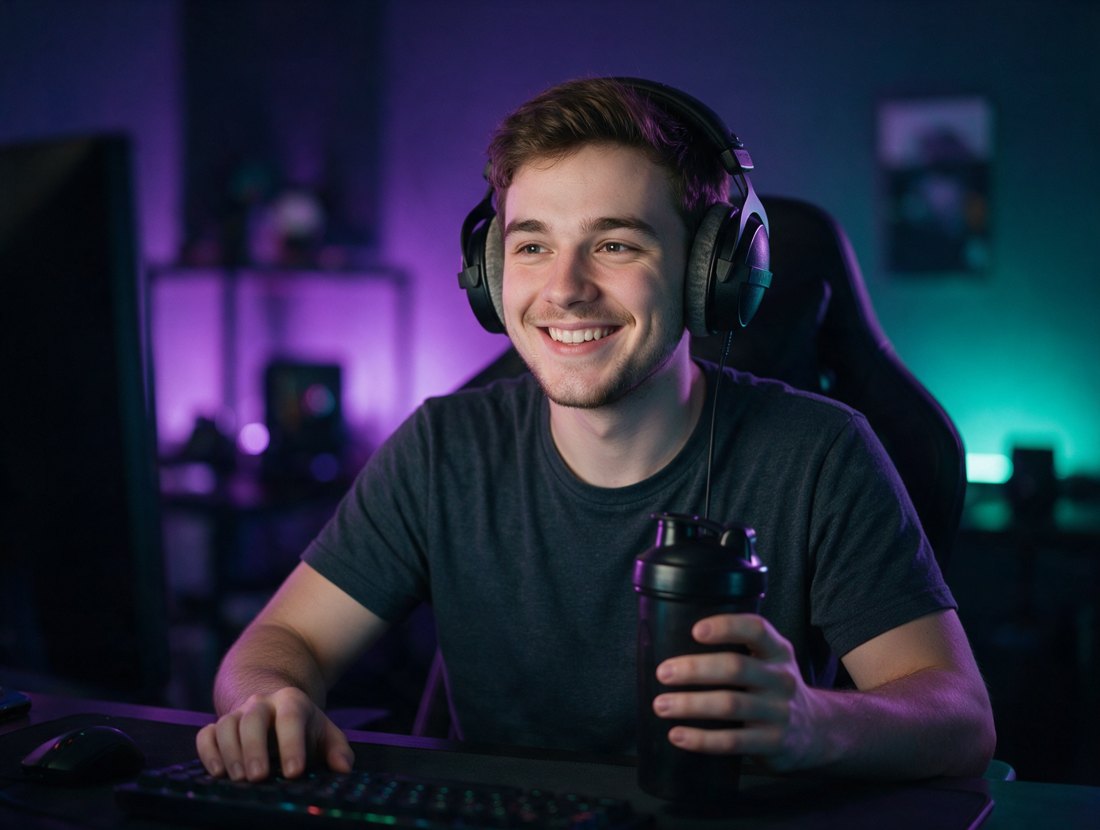
Nine animated elements, all running live below. Open the studio to put your code in them, pick dark, light or yellow, and copy the OBS link.
Corner badge that flips between “Fueled by DUBBY” and your code.
Lower-third card with the tub — slides in on your timer.
Types out !dubby so viewers grab your code.
Hangs off your webcam frame, alternates code and discount.
Die-cut smiley with a drip, for a corner of your cam.
Shows your flavour — 14 flavours, or rotate the lineup.
Water-break reminder with the DUBBY shaker.
Optional full-screen “Refuel Break” BRB scene.
Slim scrolling sponsor strip for any scene edge.
Every graphic from the DUBBY partner pack, customized in your browser: your code and @handle stamped in, any of the 14 flavours, dark · light · yellow, your photo on the thumbnails and your avatar in the partner ring. Download one PNG or the whole lot as a zip.
Open the Partner Studio, add your partner code and pick a theme and flavour.
Every overlay card has a one-click OBS link and its exact size.
OBS → Sources → + → Browser → paste the URL → set width and height. Done.
Bug in a top corner, cam tab on your cam, ticker on an edge. Never over your HUD, killfeed or chat.
Keep one DUBBY moment on screen at a time, plus the small bug or cam tab.
Every 15–20 minutes is plenty. Viewers came for you.
The handbook says viewers are ~7× more likely to buy when they see you drink it.
From the DUBBY Partner Handbook (June 30, 2026). The handbook and dubby.gg are the source of truth.
Neowork Studios Inc. designed and built this website for the DUBBY partner community. Neowork Studios Inc. is not the maker of DUBBY — DUBBY® (the drink, the brand and BE BETTER™) belongs to its respective owner. For anything about your partnership, orders or payouts, contact DUBBY directly.
Yes. The overlays, the partner studio and every download are free for DUBBY partners.
In the partner studio, click Copy OBS link on an overlay. In OBS: Sources → + → Browser → paste the link into URL (leave “Local file” unticked) → set the width and height shown on the card → OK. Place it in a corner or on an edge.
Code Pop-Up, Chat Reminder and Hydrate Check replay on the timer you set in the studio (every 15 minutes by default). Tick “Refresh browser when scene becomes active” on the source in OBS to also play them whenever you switch to that scene.
Yes — open the studio again (it remembers your settings in this browser), change anything, and copy the new link into the same OBS source or download fresh graphics.
No. Your photo and avatar are only used inside your own browser to build the graphics, and stay saved there for next time. Remove them any time from the studio sidebar.
No account, no server. Your settings are saved only in your own browser (local storage) and your code goes into the overlay link you paste into OBS. Nothing is sent to Neowork Studios Inc. or anyone else.
Yes — anything that supports a Browser source (URL) works. Set the width and height shown on each overlay card.
Pick the canvas size in the builder — the overlays are vector and stay razor sharp at any size.
Per dubby.gg, codes don't apply to the specially-licensed anime tubs. Everything else follows DUBBY's current terms.
Open the studio, add your code, and grab every overlay, panel, post and thumbnail in five minutes.